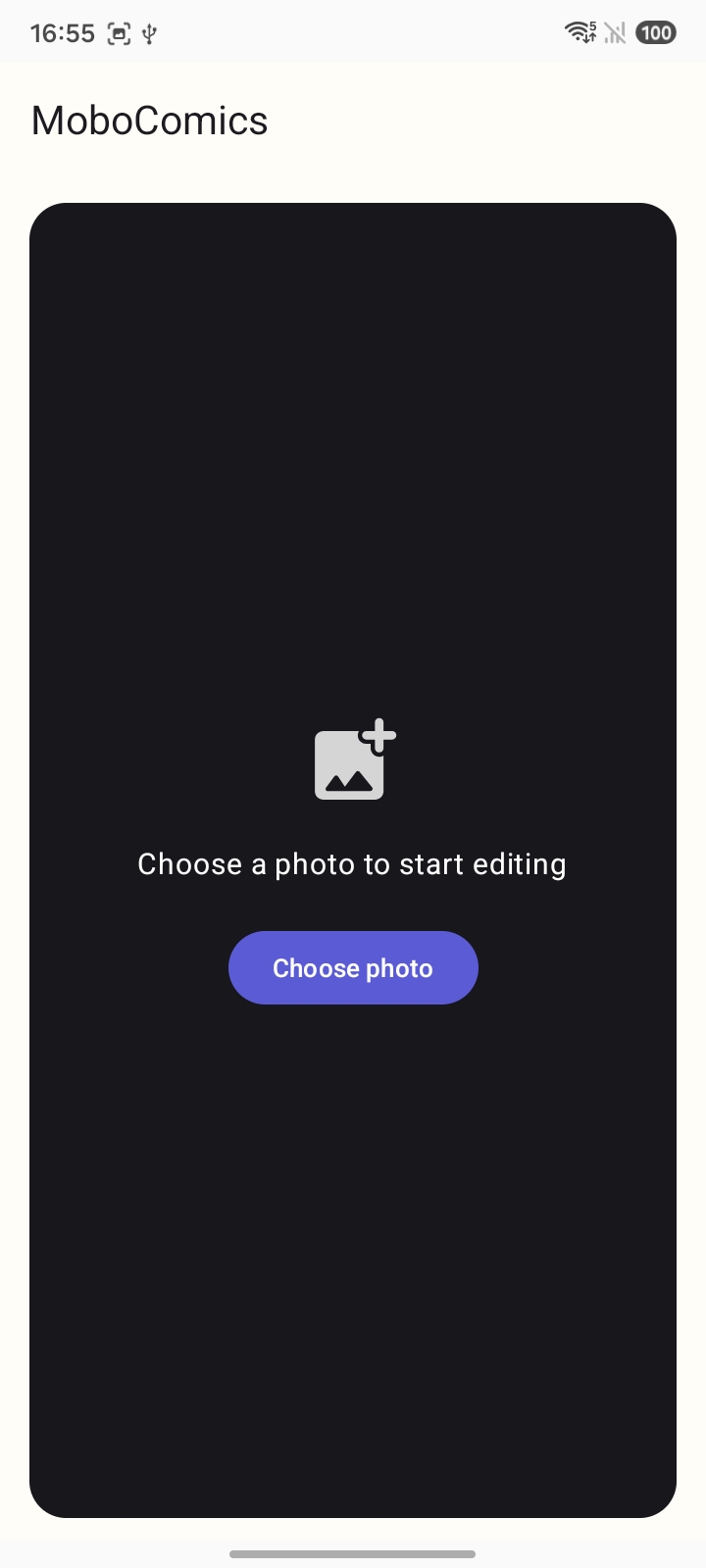
Start with an empty stage.
The cover shows the three tools. This is the screen before them: a dark canvas and one button. Choose a photo, then rotate, light, or crop it.
MoboComics is a photo editor with three tools. Choose a picture, then transform it, adjust light and contrast, or crop the frame.
See the three tools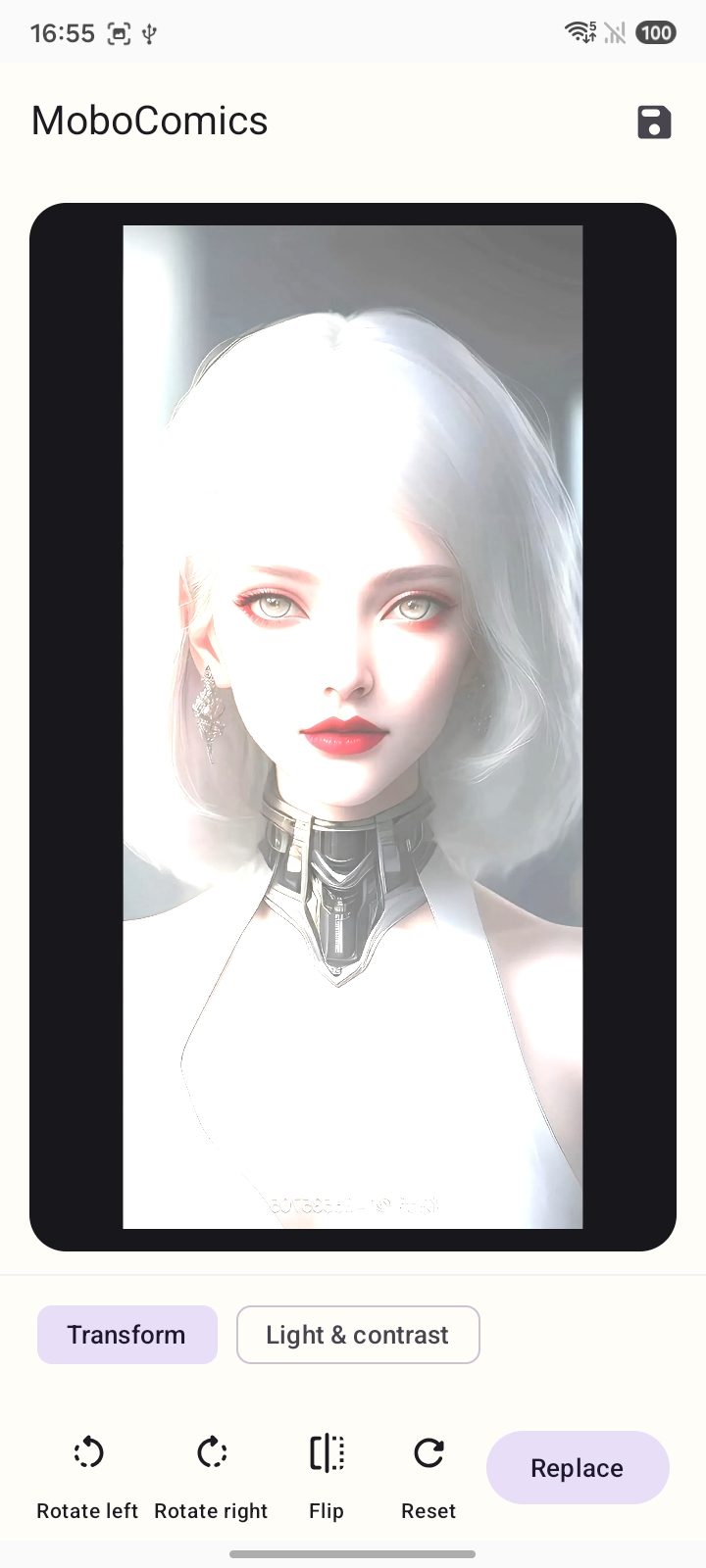
The cover shows the three tools. This is the screen before them: a dark canvas and one button. Choose a photo, then rotate, light, or crop it.
Turn the picture until it sits right. Nothing here invents a new image.
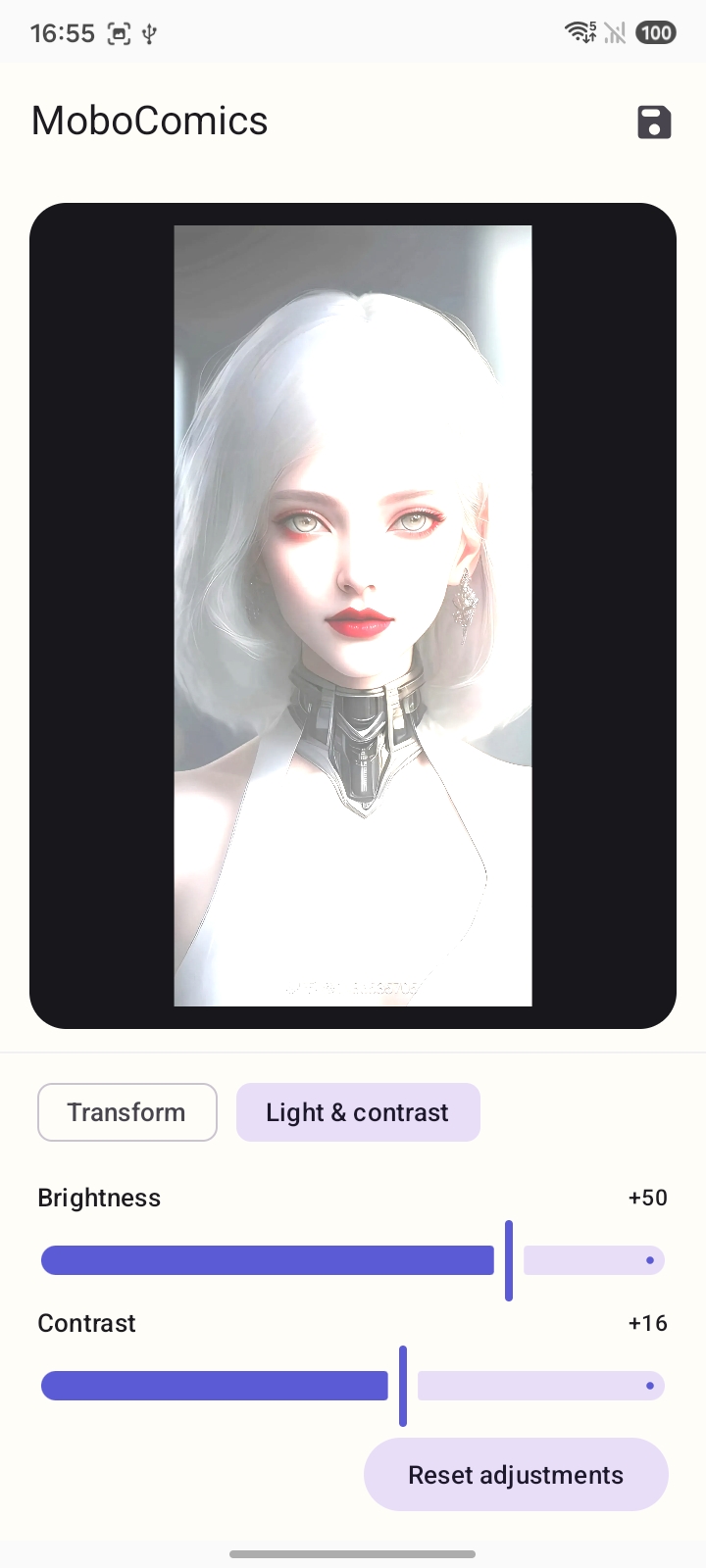
Two sliders, named plainly. Reset puts both back to zero.
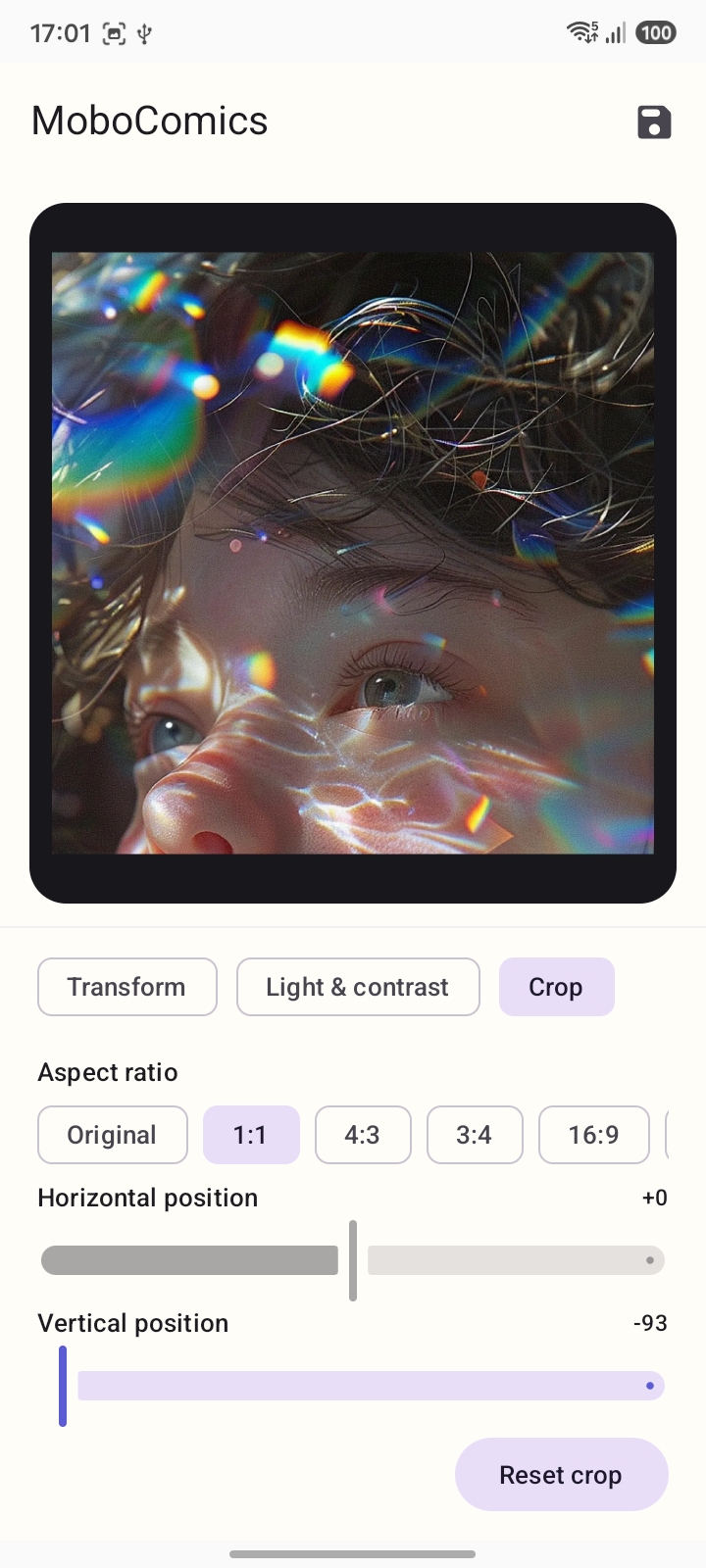
A frame, not a filter. Set a ratio, then slide the crop on both axes.
Leave a note for MoboComics. Fields are optional. This page keeps the letter on this screen and does not send it to a server.
Or write directly: kanalightcompany@gmail.com